Paid Ads · 7 min read
How to Reduce Google Ads Spend Without Losing Leads
Most Google Ads accounts waste 30 to 50 percent of their budget on clicks that will never convert. Here is exactly where the waste hides and how to cut it without touching the leads that matter.
By Hivex Digital ·
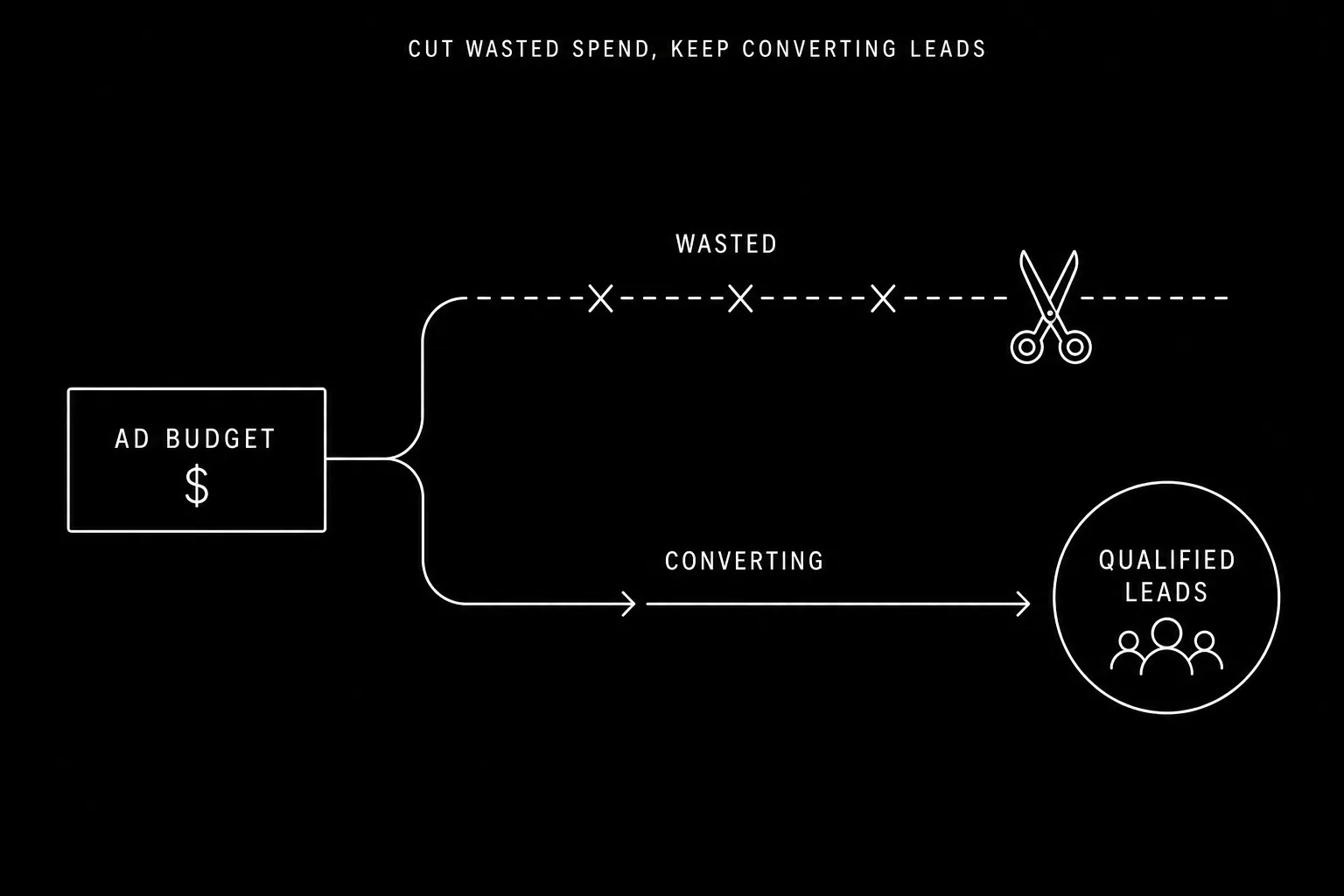
The fastest way to reduce Google Ads spend is to stop paying for clicks that were never going to convert. Most accounts waste 30 to 50 percent of their budget on irrelevant searches, wrong audiences, and poor-converting placements — not because the campaigns are badly designed, but because they have not been actively maintained. The waste accumulates quietly while the dashboard shows impressions and clicks.
Where does Google Ads budget actually get wasted?
Wasted spend concentrates in four places. Broad match keywords trigger searches that have nothing to do with your service. Missing negative keywords let irrelevant queries through repeatedly. Bids are set uniformly across devices, times, and locations that convert at wildly different rates. And search partners and display network placements quietly drain budget with near-zero conversion rates.
- Broad match keywords: Google matches them to loosely related and sometimes completely unrelated queries.
- No negative keyword list: the same irrelevant searches fire every day, each one costing money.
- Flat bids across all devices: mobile often converts at half the rate of desktop but gets the same bid.
- Search partners and Display Network: enabled by default, rarely audited, often the worst-performing spend in the account.
How do you find wasted spend in your account?
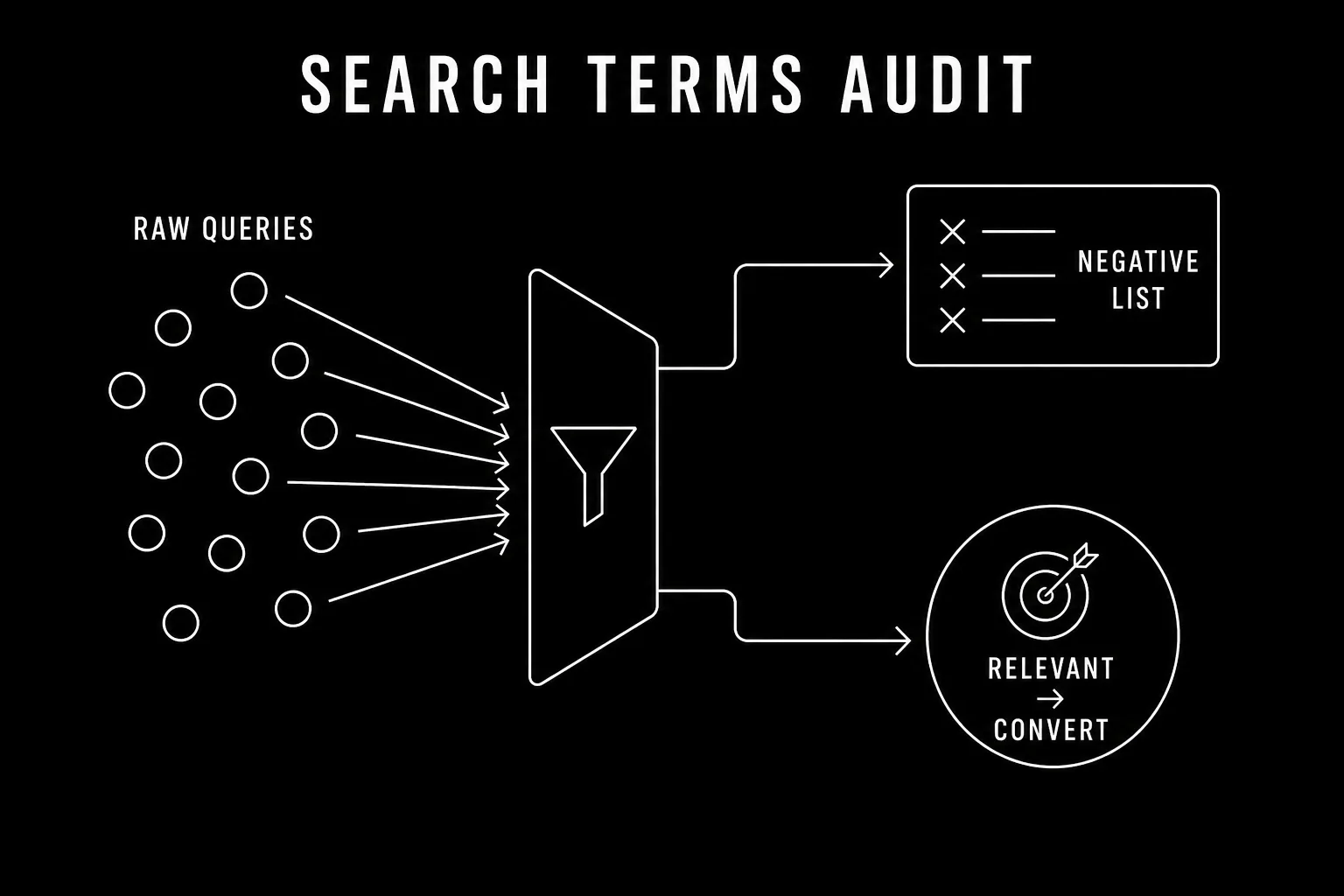
The search terms report is the single most important place to look. It shows the actual queries that triggered your ads — not the keywords you bid on, but what people actually typed. Open it, sort by cost, and read down the list. Every query that could not plausibly convert is money you can stop spending today.
Next, check your device breakdown under Campaigns → Segments → Device. If mobile clicks cost the same as desktop but convert at a fraction of the rate, you are overpaying for mobile traffic. The same logic applies to time of day and day of week: if your business only takes calls during business hours, you are paying for clicks at 2am that will never reach anyone.
What are the highest-impact ways to cut Google Ads spend?
1. Build and maintain a negative keyword list
Negative keywords tell Google which searches should never trigger your ads. A plumber who bids on plumber without negatives will pay for searches like plumber salary, plumber apprenticeship, and plumber tools. Add negatives at the campaign level for broad exclusions and at the ad group level for specific ones. Review the search terms report weekly and add new negatives as they appear.
2. Tighten keyword match types
Broad match is the default and the most expensive in terms of irrelevant traffic. Phrase match and exact match give you more control over which searches trigger your ads. Audit your keyword list and move high-spend, low-conversion keywords from broad to phrase or exact. You will typically see spend drop and conversion rate rise within the first week.
3. Apply bid adjustments by device, time, and location
Bid adjustments let you pay more for the clicks most likely to convert and less for the ones that rarely do. If desktop converts at twice the rate of mobile, set a negative bid adjustment on mobile. If your leads only come in on weekdays, reduce bids on weekends. If certain zip codes never produce customers, exclude them. Each adjustment compounds: a 20 percent mobile reduction plus a 30 percent weekend reduction can meaningfully shift where your budget goes.
4. Audit and disable poor-performing placements
If your campaigns include the Display Network or Search Partners, check their performance separately. Many accounts find these placements generate clicks at a fraction of the conversion rate of core Google Search. Disabling them or reducing their budget share often cuts spend with no impact on lead volume.
Cutting waste is not the same as cutting budget. Done right, it means the same leads for less money — or more leads for the same money.
How much can you realistically save?
Accounts that have never been actively optimized typically recover 20 to 40 percent of their spend through negative keywords, match type tightening, and bid adjustments alone. The exact number depends on how long the account has been running without maintenance and how broad the original keyword strategy was. The savings are not theoretical: they show up in the next billing cycle.
The goal is not to spend as little as possible. It is to spend only on the searches that convert, so every dollar in the account is working. Once waste is removed, you can reinvest the recovered budget into the campaigns and keywords that are already proven to produce leads.
Frequently asked questions
Audit your search terms report weekly and add irrelevant queries as negative keywords. Switch broad match keywords to phrase or exact match to stop paying for unrelated searches. Lower bids on devices, times, and locations that click but never convert. These three moves typically cut 20 to 40 percent of spend while keeping or improving lead volume.
Industry estimates put wasted Google Ads spend at 30 to 50 percent for accounts that have not been actively optimized. The main culprits are broad match keywords triggering irrelevant searches, missing negative keyword lists, and bids spread evenly across audiences that convert at very different rates.
Cutting budget without cutting waste hurts performance. Cutting waste first — negative keywords, poor-converting placements, irrelevant match types — often improves performance while reducing spend, because the same or smaller budget concentrates on the searches that actually convert.
Weekly for active campaigns. New irrelevant queries appear constantly as Google's matching broadens, and each one you miss costs money. A 15-minute weekly search term audit is one of the highest-return maintenance tasks in paid search.