AI Automation · 7 min read
What Can a Small Business Actually Automate with AI in 2026?
Skip the hype. Here are the specific, unglamorous tasks a small business can hand to automation today, what it realistically saves, and where AI still does more harm than good.
By Hivex Digital ·
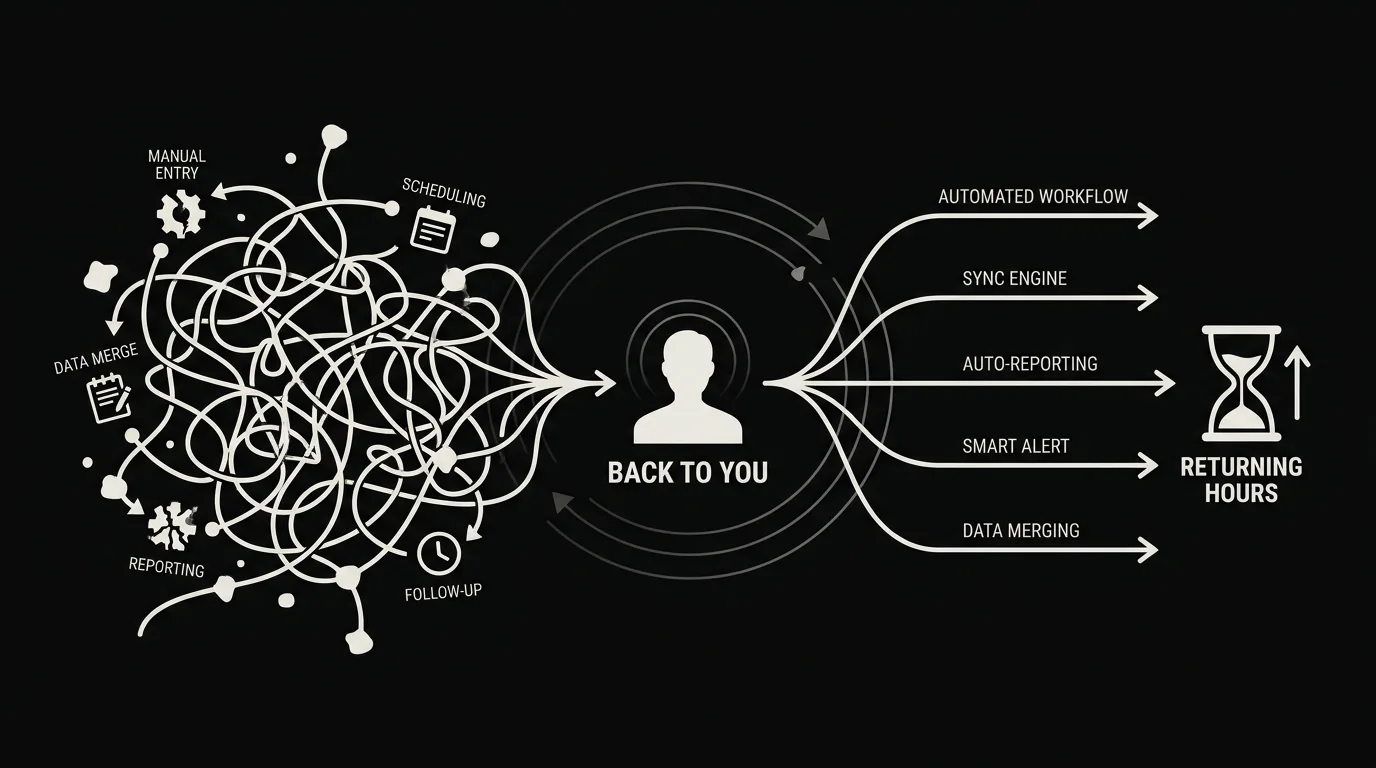
There is a lot of noise about AI right now, and most of it is unhelpful if you run a small business and just want to know what is worth doing. You do not need a strategy deck about artificial intelligence. You need to know which specific tasks eating your week can be handed off, and which ones you should keep well away from automation.
So here is the practical version, based on what we actually build for clients. The wins are unglamorous on purpose. The boring, repetitive tasks are exactly the ones automation does best.
What should a small business automate first?
Lead routing and instant response
This is almost always the highest-return automation for a small business, because slow response quietly kills deals. When a lead comes in through a form, a call, or a chat, automation can route it to the right person and fire an instant acknowledgement in seconds. The business that replies in minutes wins against the one that replies in hours, and most small businesses reply in hours because a human has to notice first. Remove that dependency and your close rate climbs without a single new lead.
Follow-up sequences
Most leads do not convert on the first touch, and most small businesses follow up once and give up, because manual follow-up is tedious and easy to forget. Automated sequences send timed, relevant nudges when a human has not replied, so warm leads do not go cold overnight. This is often the difference between a list that produces revenue and a list that just sits there.
Scheduling and reminders
The back-and-forth of booking a time is pure waste. Self-service scheduling with automatic confirmations and reminders removes the email tennis and cuts no-shows at the same time. It is one of the simplest automations to add and one people feel immediately.
Data entry between tools
If someone on your team copies information from a form into a CRM, then into an invoicing tool, then into a spreadsheet, you are paying a person to be a slow, error-prone bridge between apps that could talk to each other. Connecting those tools so records create and update themselves removes hours of tedium and the mistakes that come with it.
After-hours inquiry capture
Leads arrive at night and on weekends, and an inquiry that sits until Monday is often gone by Monday. A chat assistant can qualify and capture after-hours inquiries, then drop them into the same system your daytime leads flow through. Your team starts the morning with a queue instead of a scavenger hunt across inboxes.
How much time does AI automation actually save?
The honest numbers depend on how much busywork you run, but small teams routinely recover 15 to 30 hours a week once routing, follow-up, and data entry are automated. The time saving is real, but the bigger prize is usually speed. Answering leads in minutes rather than hours changes how many you win, and that shows up in revenue, not just in a calmer inbox.
Automation rarely replaces a person on a small team. It lets the small team you already have handle a lot more without drowning.
What should you not automate?
This is the part the hype skips. Not everything should be automated, and automating the wrong thing damages trust faster than doing it slowly by hand.
- High-stakes judgment calls. Pricing exceptions, disputes, and anything with real consequences need a human.
- Sensitive or emotional conversations. A customer who is upset does not want a bot; they want to feel heard.
- Fully unattended replies on complex questions. AI that confidently gives a wrong answer is worse than a delayed right one.
- Anything you have not mapped yet. Automating a broken process just makes it fail faster and at scale.
How to start without overcomplicating it
Do not try to automate everything at once. Pick the single task that costs you the most time or the most lost leads, usually lead response, and fix that one thing well. Prove it works, feel the hours come back, then add the next. We deploy in stages for exactly this reason: you see value early instead of waiting months for a big-bang system that sits dark.
Automation for a small business is not about chasing the newest AI feature. It is about handing off the repetitive work that never needed a human, so the humans you have can spend their time where it actually pays.
Frequently asked questions
The highest-return automations are lead routing, first-response and follow-up messages, appointment scheduling, data entry between tools, invoice and quote generation, and after-hours inquiry capture. These are repetitive, rule-based tasks that steal hours weekly and rarely need human judgment to execute.
For most small businesses it replaces tasks, not people. Automation handles the triage, sorting, and repetitive follow-up so your team spends time on calls, jobs, and decisions that actually need a human. It usually lets a small team handle more without hiring, rather than cutting headcount.
It depends on how much manual busywork you run, but many small teams recover 15 to 30 hours a week once lead routing, follow-up, and data entry are automated. The bigger win is often speed: leads answered in minutes instead of hours, which directly affects how many you close.
Do not automate high-stakes judgment, sensitive customer conversations, or anything where a wrong answer damages trust. Fully unattended AI replies on complex or emotional issues tend to backfire. Automate the routing and the routine, and keep a human on the decisions that carry risk.